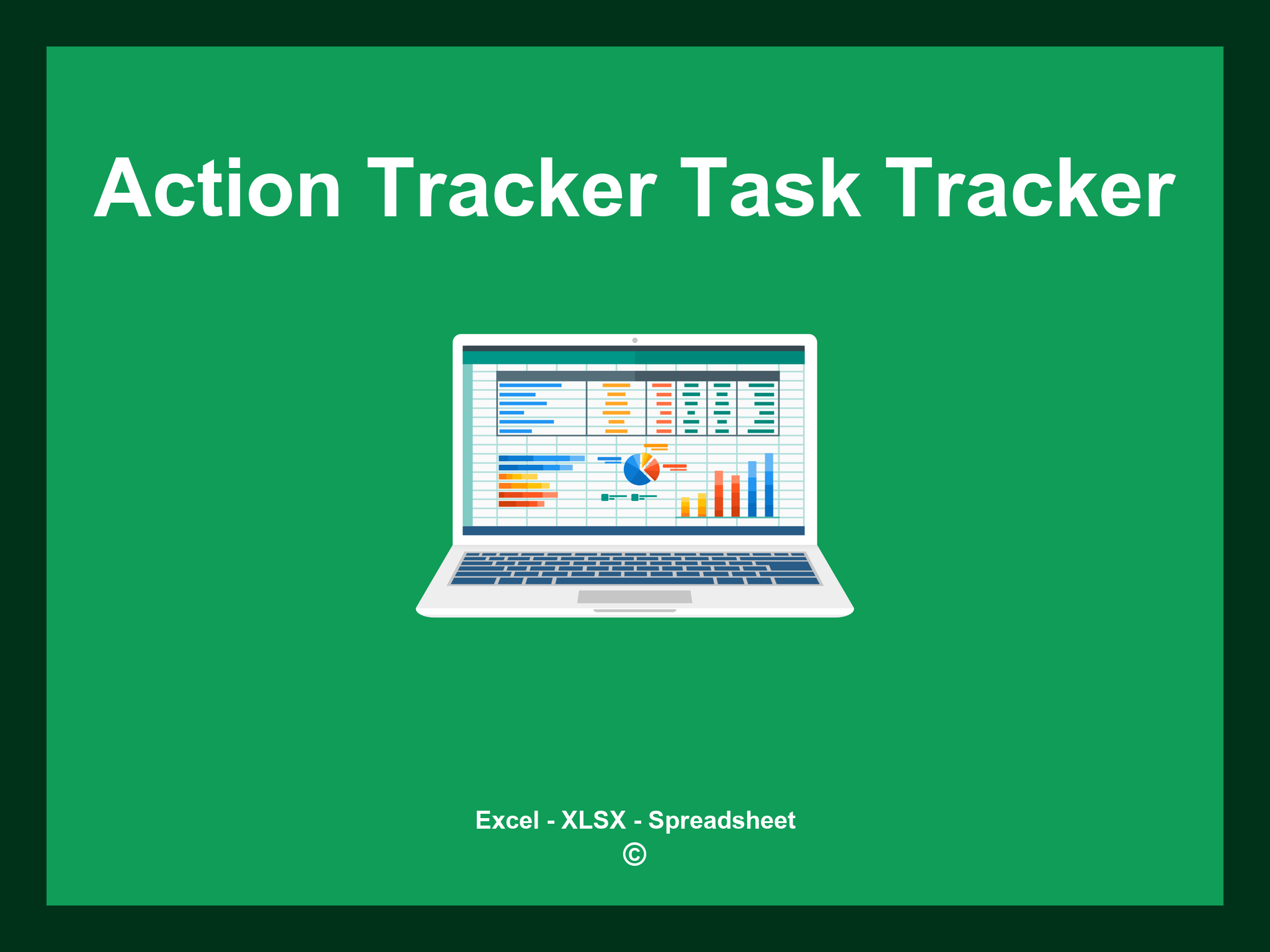
Action Tracker Excel Task Tracker Template is available in XLSX format and can also be accessed as a Google Spreadsheet.
This template helps you efficiently manage and track your tasks, customize priority levels, and streamline your workflow. You can download it as an Excel template or work directly in Google Sheets for seamless access from any device.
Open
Features
- ✔️ Comprehensive tracking for project actions and tasks
- ✔️ Automatic updates on task completion status
- ✔️ Precise monitoring of deadlines and durations
- ✔️ Analysis available by project phases and timelines
- ✔️ Supported formats: XLSX and Google Sheets
- ✔️ User-friendly data filtering options
- ✔️ Dynamic charts and overview reports
- ✔️ Monthly progress updates generated automatically
- ✔️ Fully customizable and easy-to-edit template
- ✔️ Downloadable sample spreadsheet included
Instructions
- 1. Input task details: Add the task name, priority level, and deadlines.
- 2. Assign responsibilities: Designate team members to each task.
- 3. Track progress: Update task status and note any comments.
- 4. Automatic timeline generation: View dynamically updated timelines based on task entries.
- 5. Evaluate workload: Analyze assigned tasks and workloads in an easy-to-read format.
- 6. Produce summaries: Generate comprehensive reports to track project progress and identify bottlenecks.
Discover 6 predefined templates for Action Tracker Excel Task Tracking, thoughtfully crafted to enhance your task management and streamline the tracking of action items. Each template comes with distinct features to facilitate efficient monitoring and organization:
Action Tracker Templates
Explore additional templates designed to help you efficiently manage your action items: